
DownloadGPT par Krishi
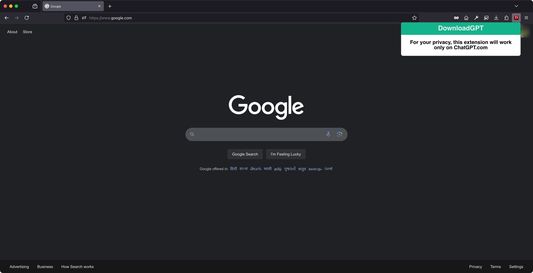
Privacy-first add-on that is great for downloading your chats (in HTML format for now) from ChatGPT.com in a safe and secure manner.
6 utilisateurs·trices6 utilisateurs·trices
Métadonnées de l’extension
Captures d’écran
À propos de cette extension
DownloadGPT – Privacy-First Solution for Downloading Your Conversations
Easily download your ChatGPT conversations with this lightweight, privacy-first browser extension. Designed with user privacy and security in mind.
The extension's script is limited to ChatGPT's domain, ensuring it doesn't interfere with or access any other websites. This add-on operates entirely locally, without relying on any external scripts, assets or libraries. Your data stays private, as the extension doesn't collect, transmit, or store any information.
Perfect for preserving important discussions, brainstorming sessions, or creative exchanges with ChatGPT, all in just a few clicks.
How to use the extension -
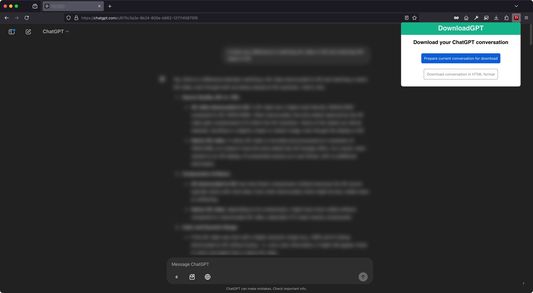
1. Your active tab needs to be ChatGPT.com and the chat you wish to download, needs to be open and loaded.
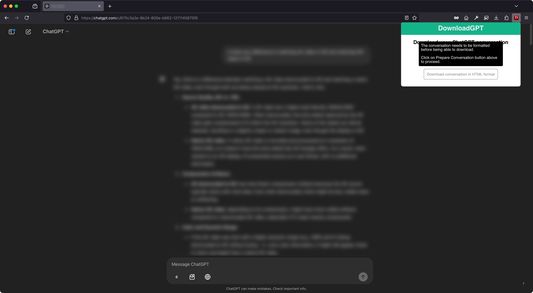
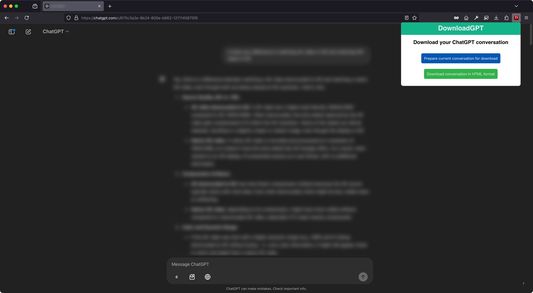
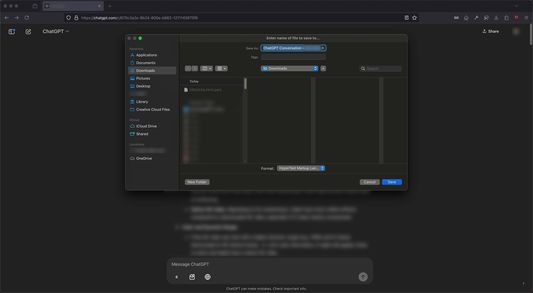
2. Click on the "Prepare current conversation for download" button and wait for the script to prepare your conversation. If the extraction is successful, then the "Download conversation in HTML" button activates, clicking on which will queue an HTML file for download with the entire conversation, nicely formatted.
3. In case of an error message, please refresh the tab and try again.
Drawbacks -
1. Since the add-on was made with privacy in mind, no external libraries and scripts are used, which limits the functionality of the add-on to download the chat in only HTML format and without the ability to extract media files (photos, videos etc.) from the chat.
Easily download your ChatGPT conversations with this lightweight, privacy-first browser extension. Designed with user privacy and security in mind.
The extension's script is limited to ChatGPT's domain, ensuring it doesn't interfere with or access any other websites. This add-on operates entirely locally, without relying on any external scripts, assets or libraries. Your data stays private, as the extension doesn't collect, transmit, or store any information.
Perfect for preserving important discussions, brainstorming sessions, or creative exchanges with ChatGPT, all in just a few clicks.
How to use the extension -
1. Your active tab needs to be ChatGPT.com and the chat you wish to download, needs to be open and loaded.
2. Click on the "Prepare current conversation for download" button and wait for the script to prepare your conversation. If the extraction is successful, then the "Download conversation in HTML" button activates, clicking on which will queue an HTML file for download with the entire conversation, nicely formatted.
3. In case of an error message, please refresh the tab and try again.
Drawbacks -
1. Since the add-on was made with privacy in mind, no external libraries and scripts are used, which limits the functionality of the add-on to download the chat in only HTML format and without the ability to extract media files (photos, videos etc.) from the chat.
Noté 0 par 1 personne
Autorisations et données
Autorisations nécessaires :
- Accéder à vos données pour les sites du domaine chatgpt.com
Plus d’informations
- Version
- 1.0
- Taille
- 61,23 Ko
- Dernière mise à jour
- il y a un an (15 janv. 2025)
- Catégories associées
- Licence
- Tous droits réservés
- Historique des versions
- Ajouter à la collection