Enforce Browser Fonts Jayesh Bhoot מאת
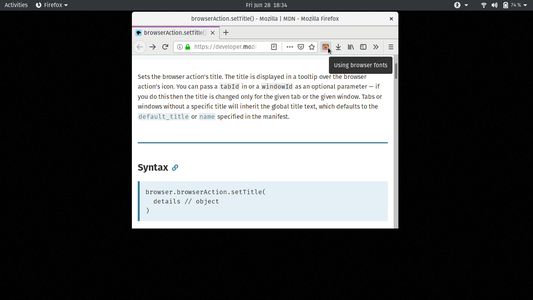
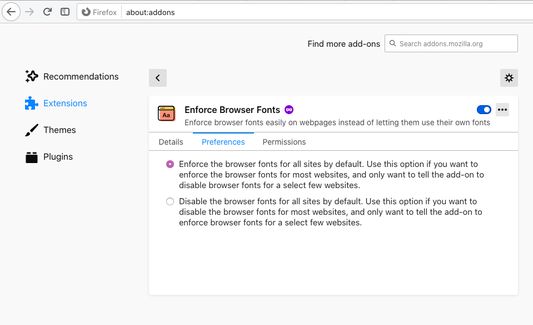
Enforce browser fonts easily instead of letting websites use their own fonts. Easily toggle between browser fonts and website fonts by clicking on addon toolbar icon or its keyboard shortcut (Alt-Comma).
283 משתמשים283 משתמשים
נתוני העל של ההרחבה
צילומי מסך
על אודות הרחבה זו
This Firefox WebExtension lets you toggle between browser and website fonts by:
1. clicking on the toolbar icon
2. pressing keyboard combo: Alt-Comma
The toolbar icon also acts as a visual cue: If it is coloured, then browser fonts are enforced. Otherwise, website fonts are being used. The icon tooltip provides the textual cue for the same.
Find the details on the homepage.
1. clicking on the toolbar icon
2. pressing keyboard combo: Alt-Comma
The toolbar icon also acts as a visual cue: If it is coloured, then browser fonts are enforced. Otherwise, website fonts are being used. The icon tooltip provides the textual cue for the same.
Find the details on the homepage.
מדורג 4.5 על־ידי 17 סוקרים
הרשאות ונתונים
מידע נוסף
- קישורים לתוספת
- גרסה
- 1.2
- גודל
- 359.61 ק״ב
- עדכון אחרון
- לפני 5 שנים (27 מאי 2021)
- קטגוריות קשורות
- היסטוריית הגרסאות
- הוספה לאוסף