Screenshots for Jira Autor: Yiraphic
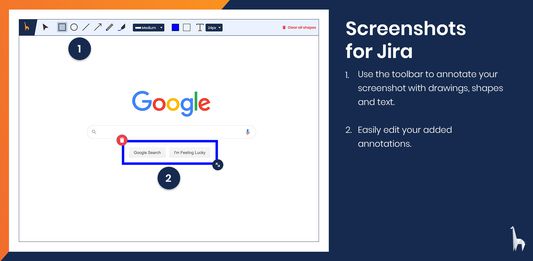
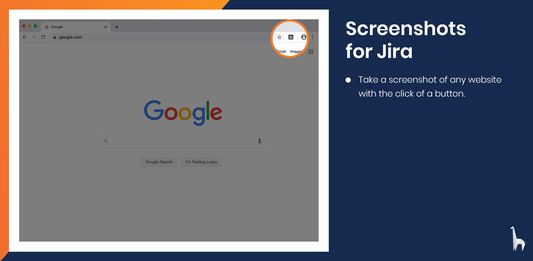
Take a screenshot, annotate it and upload directly to Jira.
Neke funkcije mogu zahtijevati plaćanjeNeke funkcije mogu zahtijevati plaćanje
9 korisnika9 korisnika
Metapodaci proširenja
Snimke ekrana
Informacije o ovom proširenju
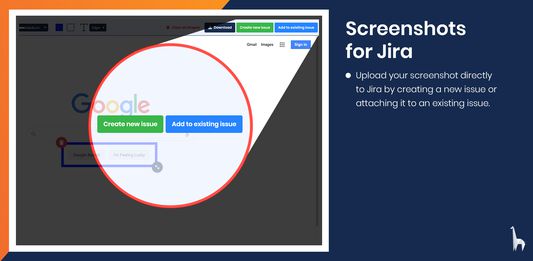
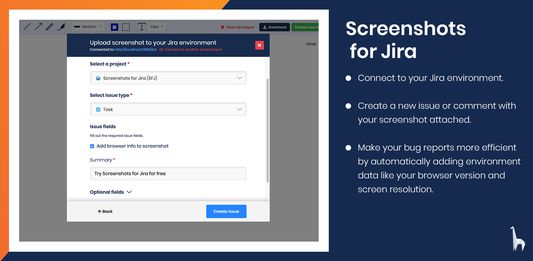
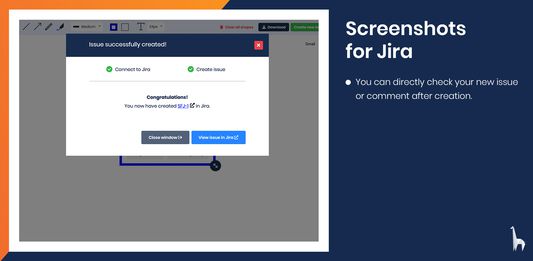
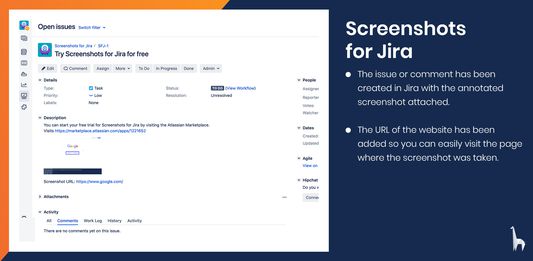
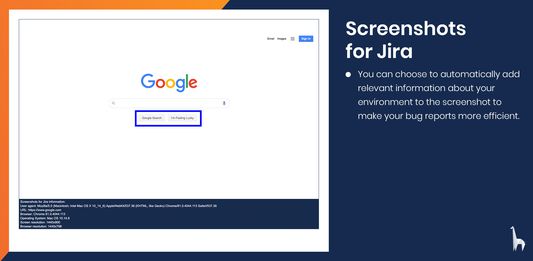
With Screenshots for Jira you can easily take screenshots from any website and annotate them with text, shapes and drawings. You can then directly create a new issue or add a comment to an existing issue in your Jira Software Server. You can choose to automatically include information about your environment, like your browser version or screen resolution, to increase the efficiency of your bug reports.
Taking screenshots and annotating them is completely free. To connect to Jira, you will also need to install the Screenshots for Jira app on your Jira Software Server. Start you free trial on the Atlassian Marketplace.
Ocjena 0 od 0 recenzenta
Dozvole i podaci
Potrebne dozvole:
- Unijeti podatke u međuspremnik
- Pristup tvojim podacima za sve web stranice
Daljnje informacije
- Poveznice dodatka
- Verzija
- 1.0.5
- Veličina
- 6,48 MB
- Zadnje aktualiziranje
- prije 6 godina (24. tra. 2020)
- Povezane kategorije
- Licenca
- Sva prava pridržana
- Politika privatnosti
- Pročitaj politiku privatnosti za ovaj dodatak
- Povijest verzija
- Dodaj u zbirku