YouTube Geoblock Checker Autor: Nicu Calcea
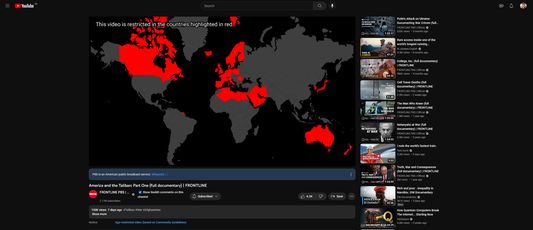
Shows where a YouTube video is restricted so you can use a VPN to avoid the restriction.
13 korisnika13 korisnika
Metapodaci proširenja
Snimke ekrana
Informacije o ovom proširenju
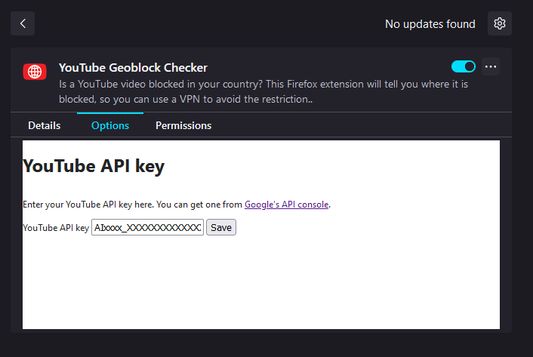
Once installed, open the Extensions setting (`about:addons`) in your browser and find the add-on. Click on the three dots (`⋮`) and the select `Options`.
At this stage, you'll need a YouTube Data API key. Go to Google's developer portal for instructions on how to get one.
Once you've got a key, paste it into the add-on settings and click save.
At this stage, you'll need a YouTube Data API key. Go to Google's developer portal for instructions on how to get one.
Once you've got a key, paste it into the add-on settings and click save.
Ocjena 5 od jednog recenzenta
Dozvole i podaci
Daljnje informacije
- Poveznice dodatka
- Verzija
- 1.2
- Veličina
- 2,56 MB
- Zadnje aktualiziranje
- prije 9 mjeseci (5. stu. 2025)
- Povezane kategorije
- Licenca
- Mozilla javna licenca 2.0
- Povijest verzija
- Dodaj u zbirku