Passwords Cleaner (Eraser) szerző: Andy Portmen
Quickly delete/wipe your browser stored passwords for a defined period with one click
1 felhasználó1 felhasználó
Kiegészítő metaadatai
Képernyőképek
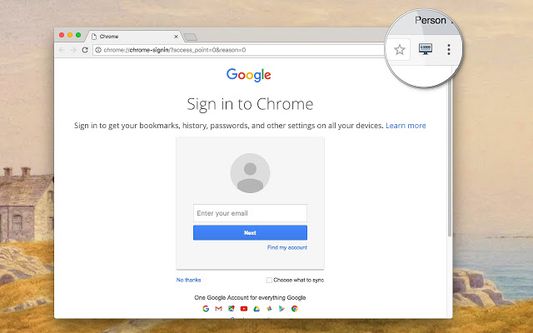
A kiegészítő névjegye
"Passwords Cleaner" is the easiest way to clear your browser stored passwords for a specified period. You can define a custom period on the options page. Also, you can define the area (zone) in which you want the data to be cleared.
For a more comprehensive cleaner try my eCleaner
https://addons.mozilla.org/firefox/addon/ecleaner-forget-button/
Using this extension it is possible to wipe cookies of three different zones:
1. Normal websites,
2. Protected websites (not supported in Firefox yet),
3. Extension zone (not supported in Firefox yet)
Definitions:
-> Extensions zone: Extensions and packaged applications a user has installed
-> Protected websites zone: Websites that have been installed as hosted applications
For bug reports please visit:
https://github.com/andy-portmen/ecleaner
For a more comprehensive cleaner try my eCleaner
https://addons.mozilla.org/firefox/addon/ecleaner-forget-button/
Using this extension it is possible to wipe cookies of three different zones:
1. Normal websites,
2. Protected websites (not supported in Firefox yet),
3. Extension zone (not supported in Firefox yet)
Definitions:
-> Extensions zone: Extensions and packaged applications a user has installed
-> Protected websites zone: Websites that have been installed as hosted applications
For bug reports please visit:
https://github.com/andy-portmen/ecleaner
Értékelés 0 szerkesztő által: 0
Engedélyek és adatok
Szükséges engedélyek:
- Friss böngészési előzmények, sütik és kapcsolódó adatok törlése
További információk
- Kiegészítő hivatkozásai
- Verzió
- 0.1.2
- Méret
- 90,73 kB
- Legutóbb frissítve
- 6 éve (2020. jún. 2.)
- Kapcsolódó kategóriák
- Verziótörténet
- Gyűjteményhez adás
A kiegészítő fejlesztője azt kéri, hogy egy csekély összeggel támogassa a további fejlesztést.