Enforce Browser Fonts 作成者: Jayesh Bhoot
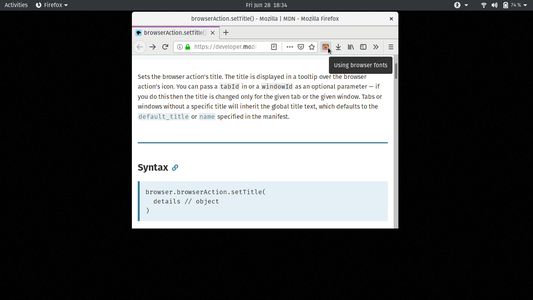
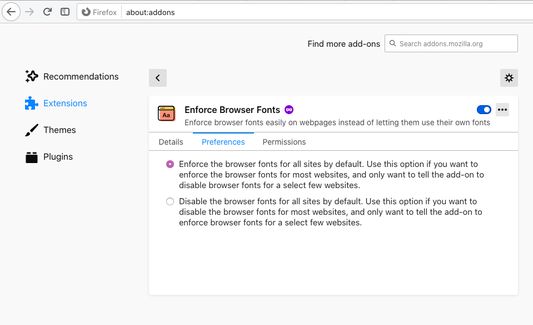
Enforce browser fonts easily instead of letting websites use their own fonts. Easily toggle between browser fonts and website fonts by clicking on addon toolbar icon or its keyboard shortcut (Alt-Comma).
275 人のユーザー275 人のユーザー
拡張機能メタデータ
スクリーンショット
この拡張機能について
This Firefox WebExtension lets you toggle between browser and website fonts by:
1. clicking on the toolbar icon
2. pressing keyboard combo: Alt-Comma
The toolbar icon also acts as a visual cue: If it is coloured, then browser fonts are enforced. Otherwise, website fonts are being used. The icon tooltip provides the textual cue for the same.
Find the details on the homepage.
1. clicking on the toolbar icon
2. pressing keyboard combo: Alt-Comma
The toolbar icon also acts as a visual cue: If it is coloured, then browser fonts are enforced. Otherwise, website fonts are being used. The icon tooltip provides the textual cue for the same.
Find the details on the homepage.
17 人のレビュー担当者が 4.5 と評価しました
権限とデータ
詳しい情報
- アドオンリンク
- バージョン
- 1.2
- サイズ
- 359.61 KB
- 最終更新日
- 5年前 (2021年5月27日)
- 関連カテゴリー
- バージョン履歴
- コレクションへ追加