Hide Recent Subreddits Store 作成者: K H Shourov
Hide the 'Recent Subreddits' section to avoid potential embarrassment in case you accidentally visit any NSFW subreddits!
10 人のユーザー10 人のユーザー
拡張機能メタデータ
スクリーンショット
この拡張機能について
When you visit a subreddit, a “Recent” section is added to the left sidebar, displaying all your recently visited subreddits. While this feature can be convenient, it might be less desirable if you’ve visited NSFW subreddits. Unfortunately, I couldn’t find an option to remove this section through the site’s settings. Instead, I had to go into the site’s local storage and delete the key “recent-subreddits-store.” It’s not a huge hassle, but I prefer not having any history on my homepage.
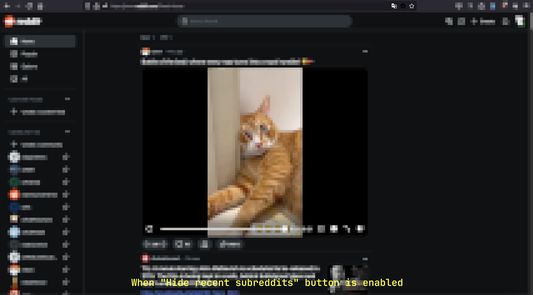
With this simple plugin, you can easily toggle the visibility of your recent subreddits. Once installed, a Reddit icon will appear in your browser’s URL bar. Clicking this icon allows you to switch between hiding and viewing the “Recent” section. By default, the section will be hidden.
1 人のレビュー担当者が 5 と評価しました
権限とデータ
詳しい情報
- アドオンリンク
- バージョン
- 1.3
- サイズ
- 173.26 KB
- 最終更新日
- 1年前 (2024年11月5日)
- 関連カテゴリー
- ライセンス
- MIT License
- バージョン履歴
- タグ
- コレクションへ追加