Filters sɣur weaving
Adjust brightness and colors of web pages
23 yiseqdacen23 yiseqdacen
Asiɣzef aɣefisefka
Tuṭṭfiwin n wegdil
Ɣef usiɣzef agi
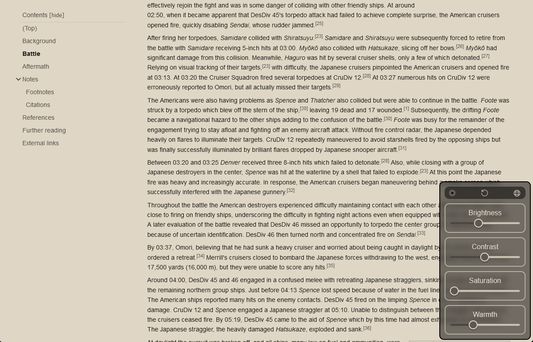
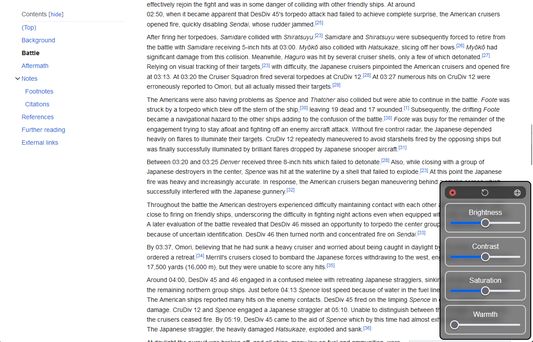
Adjust brightness, contrast, saturation, warmth for a better reading experience.
Usage:
When you set the levels, they are saved for the current website.
Click the top-middle button to reset levels for the current website.
Click the top-right button to apply levels to all websites.
Website levels take precedence over global levels.
Usage:
- Right-click anywhere on the page
- Click "Filters"
- Adjust the levels
- Close with top-left button
When you set the levels, they are saved for the current website.
Click the top-middle button to reset levels for the current website.
Click the top-right button to apply levels to all websites.
Website levels take precedence over global levels.
Rated 5 by 1 reviewer
Tisirag akked yisefka
Ugar n telɣut
- Lqem
- 0.0.1
- Teɣzi
- 21,97 KB
- Aleqqem aneggaru
- pred 2 rokmi (1. nov 2023)
- Taggayin i ilan assaɣ
- Turagt
- Turagt IT
- Amazray n Lqem
- Rnu ar tegrumma