
FoxyPAC sɣur erosman
Proxy management tool and custom Proxy Auto-Configuration (PAC) creator and editor
35 yiseqdacen35 yiseqdacen
Asiɣzef aɣefisefka
Tuṭṭfiwin n wegdil
Ɣef usiɣzef agi
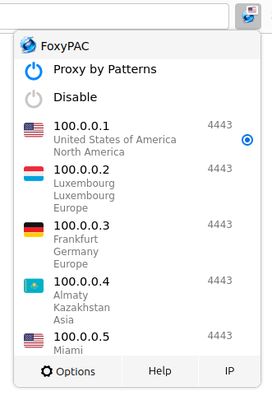
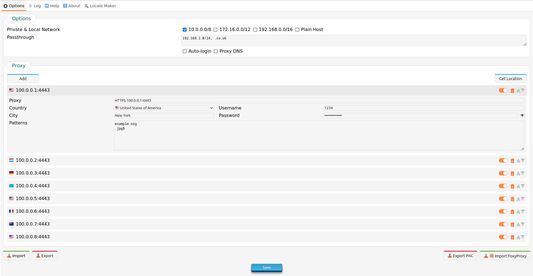
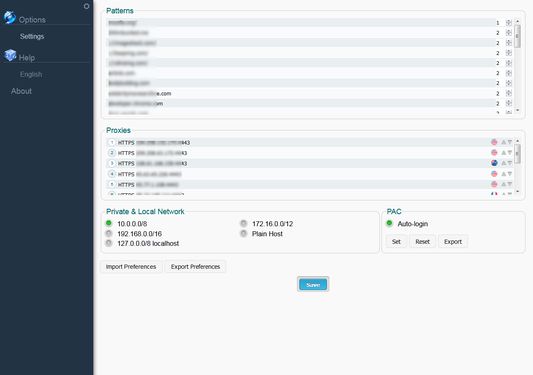
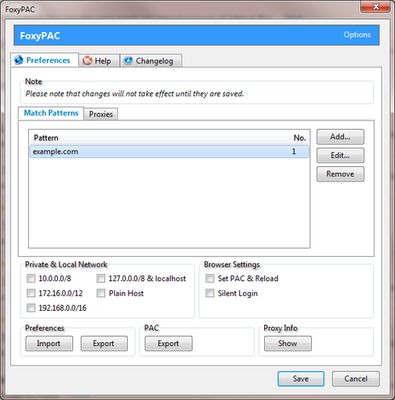
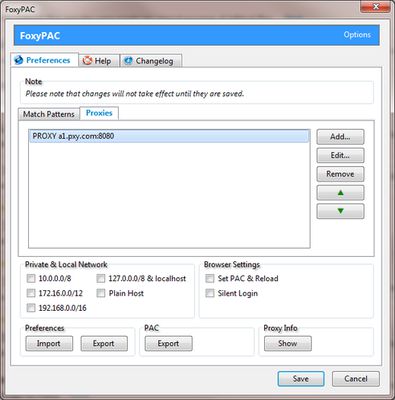
FoxyPAC is a small add-on for creating, editing, setting and exporting customisable Proxy Auto-Configuration (PAC) easily and handle all proxy functions.
Note: None of my extensions contain any tracking, advertising or privacy infringement.
Features
Permissions Explanation
Note: None of my extensions contain any tracking, advertising or privacy infringement.
Features
- No need for external/remote PAC, FoxyPAC uses its own internal PAC
- Create a PAC dynamically and set the browser to use that PAC to control proxy connections
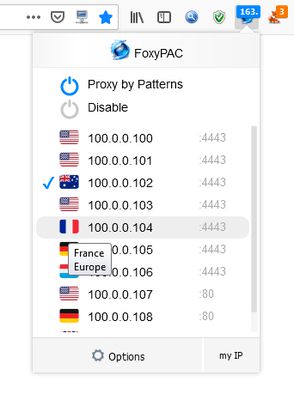
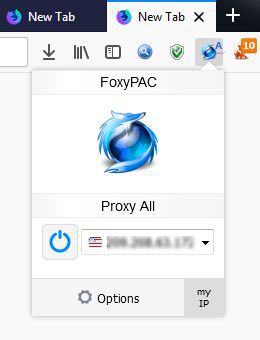
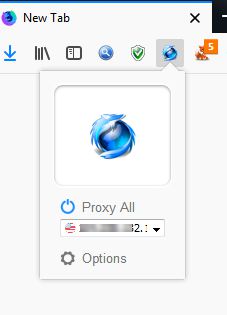
- Turn Proxies On/Off from Toolbar Button (v2.0)
- Set ALL through proxy from from Toolbar Button (v2.0)
- Possible to use it for both Whitelisting or Blacklisting
- Authentication (if required) is prompted by the browser or via saved user/pass (v2.2)
- Greatly simplified Pattern Matching System as well as Regular Expression (v2.0)
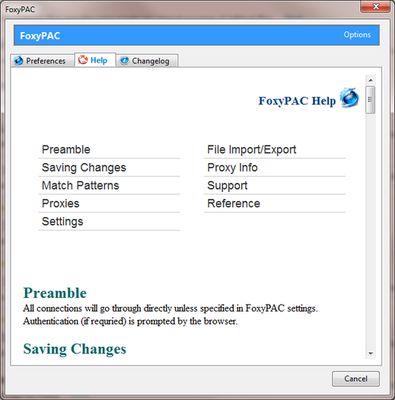
- Help Guide included
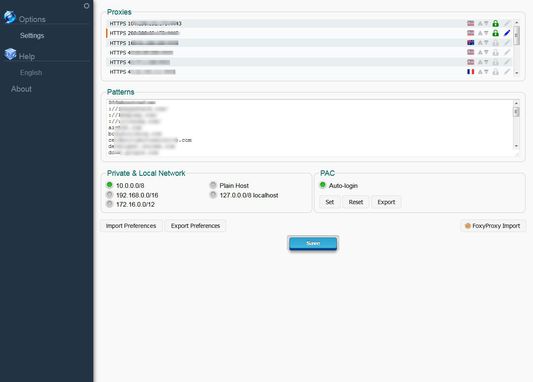
- Export/Import Preferences (for backup or share) to/from a local file on your computer
- Export PAC (for backup or share) to a local file on your computer
- Import proxies for FoxyProxy clients (v2.2)
Permissions Explanation
- Download files and read and modify the browser’s download history: Used only to export PAC/Preference
- Display notifications to you: Used to inform users
- Control browser proxy settings: Used to set PAC (Proxy Auto-config)
- Access your data for all websites: Used to send proxy authentication only if they are set (v2.2)
Rated 4,5 by 8 reviewers
Tisirag akked yisefka
Yesra tisirag:
- Sader-d ifuyla, ɣeṛ daɣen beddel amazray n usader deg iminig
- Ad k-d-isken ilɣa
- Senqed iγewwaṛen n upṛuksi n yiminig
- Kcem ɣer isefka-inek deg ismal web meṛṛa
Ugar n telɣut
- TigIseɣwan n uzegrir
- Lqem
- 2.7
- Teɣzi
- 118,88 KB
- Aleqqem aneggaru
- kolme vuotta sitten (19. kesä 2023)
- Taggayin i ilan assaɣ
- Amazray n Lqem
- Rnu ar tegrumma