
qWiki sɣur Daniel Wienzek
Quick lookup in Wikipedia with alt + click
8 yiseqdacen8 yiseqdacen
Asiɣzef aɣefisefka
Tuṭṭfiwin n wegdil
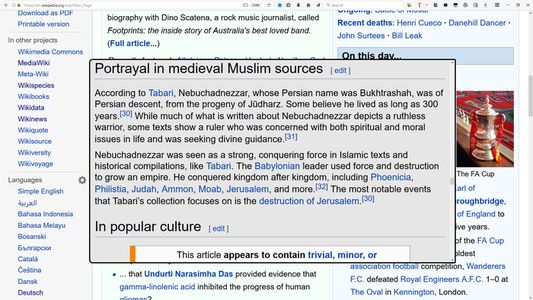
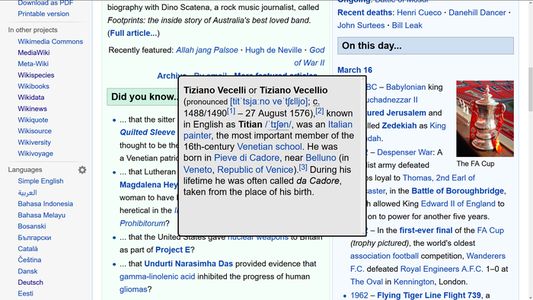
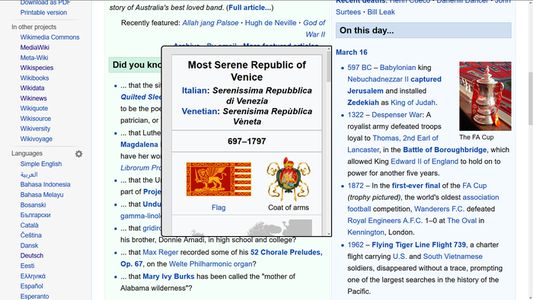
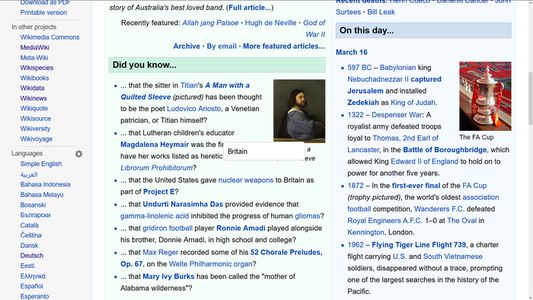
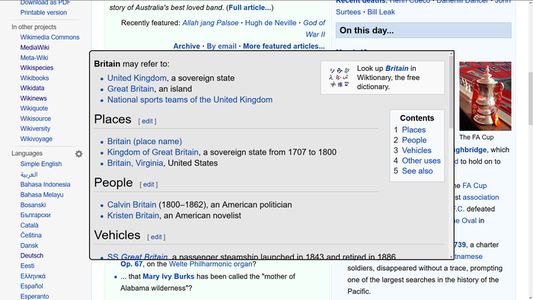
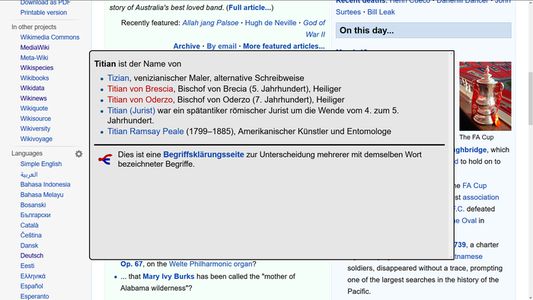
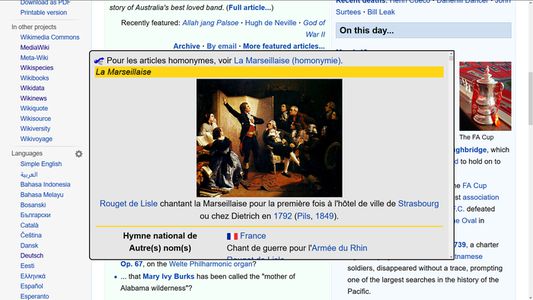
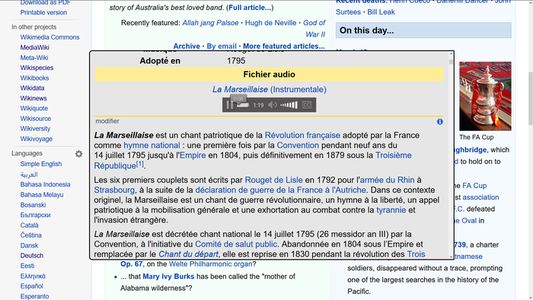
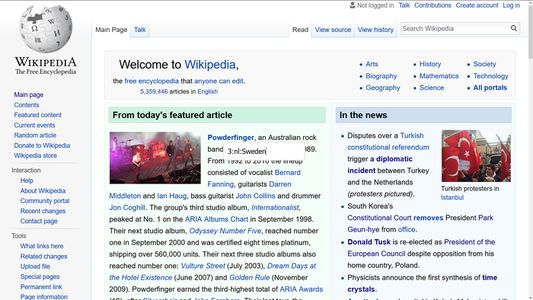
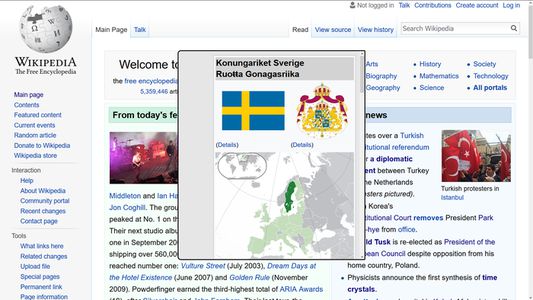
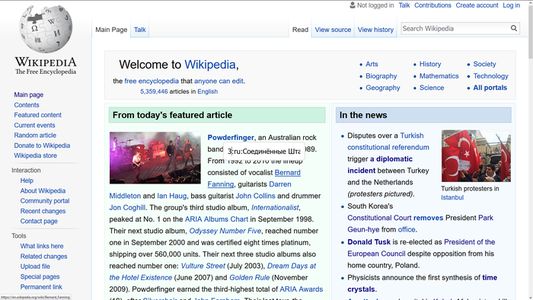
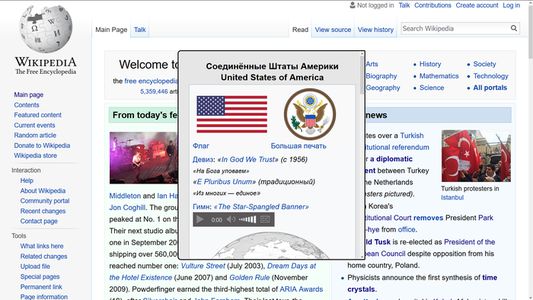
Ɣef usiɣzef agi
Are you tired of opening new tabs to search something at Wikipedia?
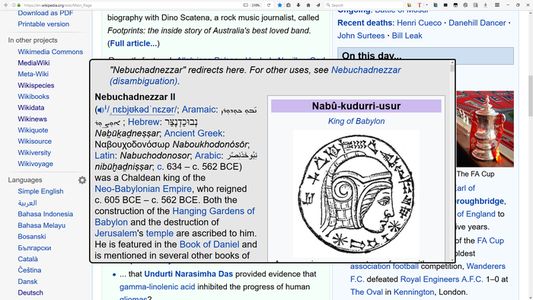
Would you like to just click + ctrl/shift/alt to search for the word under the mouse cursor and show the result in a panel?
Or maybe you are alergic to mice and prefer to use the keyboard?
Then this addon is right for you!
Would you like to just click + ctrl/shift/alt to search for the word under the mouse cursor and show the result in a panel?
Or maybe you are alergic to mice and prefer to use the keyboard?
Then this addon is right for you!
- receive complete or short article
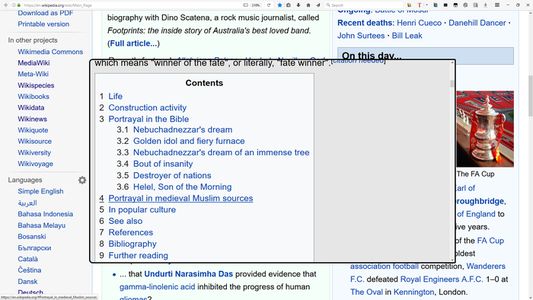
- receive overview table
- close panel with one click or 'escape' key
- use quicksearch with key combo
- prepend language code at quicksearch
- prepend response method at quicksearch
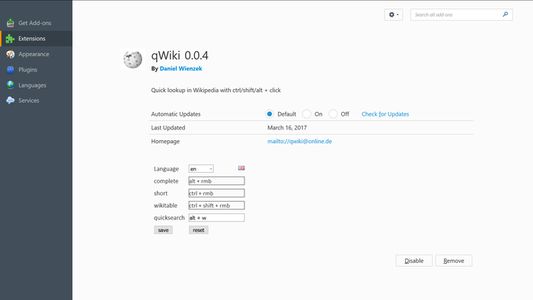
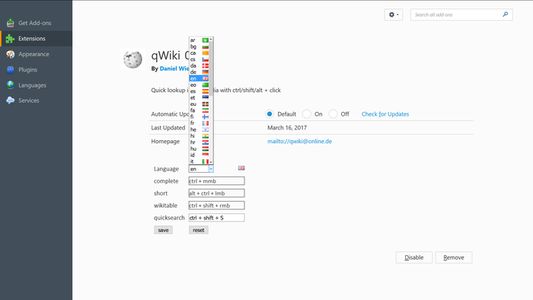
- change language, combo keys and mouse buttons in options
Response method in quicksearch can be 1,2 or 3 (complete, short, table).
If the addon is not working for you, don't hestitate to contact me.
Please check for existance of an article before you contact me.
bugs / suggestions :
wienzek.daniel@gmail.com
Rated 0 by 0 reviewers
Tisirag akked yisefka
Ugar n telɣut
- TigIseɣwan n uzegrir
- Lqem
- 0.0.11
- Teɣzi
- 67,58 KB
- Aleqqem aneggaru
- 2 jierren lyn (26 des. 2023)
- Taggayin i ilan assaɣ
- Turagt
- Turagt IT
- Amazray n Lqem
- Tibzimin
- Rnu ar tegrumma