
weird-QR sɣur weirdcreators
~a simple and light weight QR code generator~ a "SECURE" and "LITE" way to share "data" and "sending Tabs" to your phone.
Ulac iseqdacenUlac iseqdacen
Asiɣzef aɣefisefka
Tuṭṭfiwin n wegdil
Ɣef usiɣzef agi
********************new update*********************************
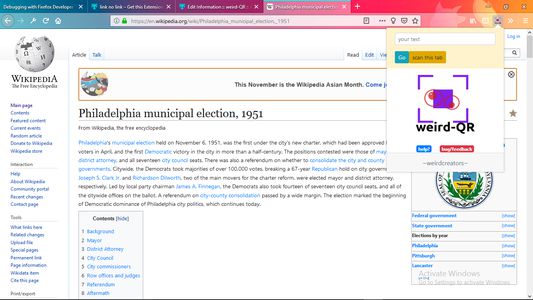
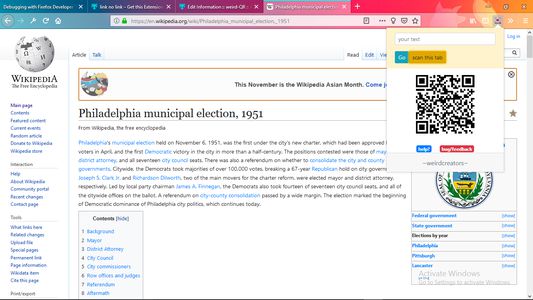
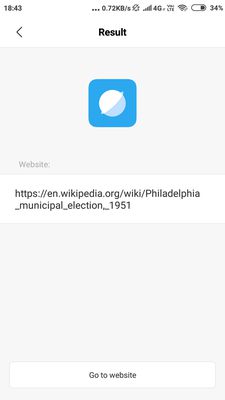
now send the open tab to your smartphone by clicking on the "scan tab" button
and scan the QR code using your smartphone.
***************************************************************
The first this you would ask is how can I use QR code in daily life? Well That's easy
>For sending greeting cards.
>For marketing purposes.
>Payments.
>Can be used widely in education sector.
>Product Packaging.
>Make a coupon for your product.
>Share a link over phone.
and so on....
All these and that Too in a "SECURE" and "LITE" way.
by "LITE" we mean that the size of the QR code is unbelievably small as compared to
the original data.
Our service uses HTTPS(secure) and "goqr API" service to generate QR codes.
If any bug or problem is faced the users are requested to immediate report so that
we can fix it as soon as possible. Your feedback is very important to us and helps
us to improve.
*************************************************************************
future updates:
*************************************************************************
1)Sharing functionality
2)image to QR
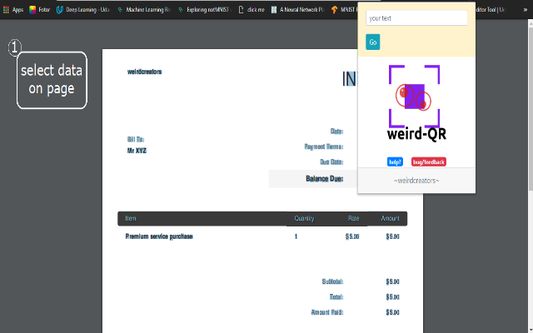
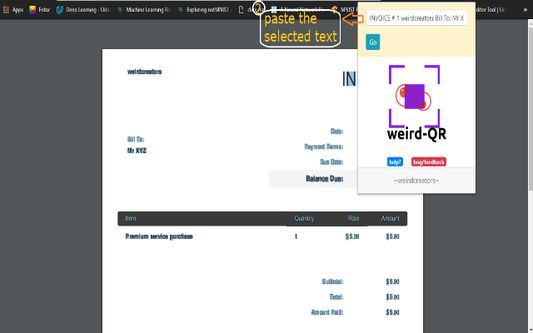
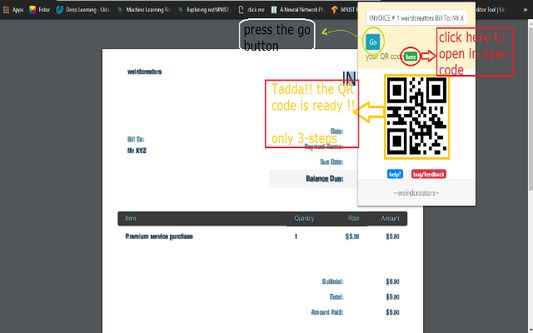
3)Select any text from web-page and convert it to QR code.
*note : we don't save any of your data or QR codes.*
now send the open tab to your smartphone by clicking on the "scan tab" button
and scan the QR code using your smartphone.
***************************************************************
The first this you would ask is how can I use QR code in daily life? Well That's easy
>For sending greeting cards.
>For marketing purposes.
>Payments.
>Can be used widely in education sector.
>Product Packaging.
>Make a coupon for your product.
>Share a link over phone.
and so on....
All these and that Too in a "SECURE" and "LITE" way.
by "LITE" we mean that the size of the QR code is unbelievably small as compared to
the original data.
Our service uses HTTPS(secure) and "goqr API" service to generate QR codes.
If any bug or problem is faced the users are requested to immediate report so that
we can fix it as soon as possible. Your feedback is very important to us and helps
us to improve.
*************************************************************************
future updates:
*************************************************************************
1)Sharing functionality
2)image to QR
3)Select any text from web-page and convert it to QR code.
*note : we don't save any of your data or QR codes.*
Rated 3 by 2 reviewers
Tisirag akked yisefka
Ugar n telɣut
- TigIseɣwan n uzegrir
- Lqem
- 1.2resigned1
- Teɣzi
- 75,75 KB
- Aleqqem aneggaru
- 2 წლის წინ (26 აპრ 2024)
- Taggayin i ilan assaɣ
- Amazray n Lqem
- Rnu ar tegrumma