IconBar av diemtea
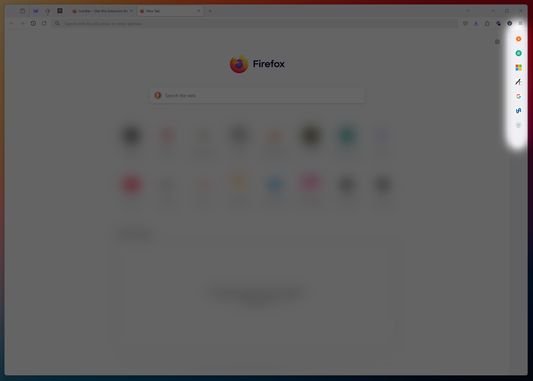
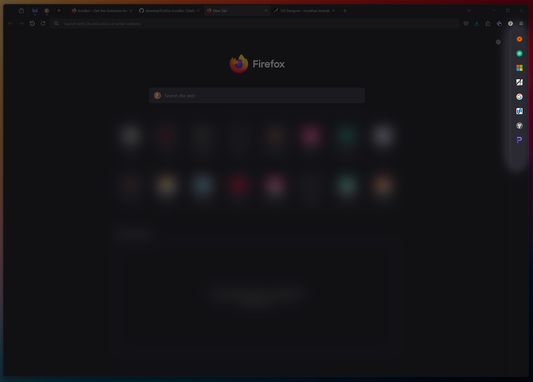
IconBar transforms your sidebar into a responsive vertical bookmark bar—complete with custom icons, drag-and-drop reordering and dynamic theme matching.
4 brukarar4 brukarar
Metadata for utvidingar
Skjermbilde
Om denne utvidinga
IconBar surfaces all the bookmarks in your Other Bookmarks > IconBar folder as compact, clickable icons in a slim sidebar panel that automatically adopts your browser’s color scheme.
Key features include:
- Drag & Drop Reordering: Click and drag your bookmarks to easily reorganise your IconBar.
- Context Menu: Right-click any icon to upload a custom image, reset to the default favicon, or delete the bookmark.
- Hoverable Tooltips: Hover on an icon to see its full title—perfect for visually-similar sites or untitled bookmarks.
- Theme Synchronization & Live Updates: IconBar mirrors your Firefox theme in real time and auto-refreshes whenever you add, remove, or edit a bookmark.
Whether you’re a power-user or just want a cleaner bookmark experience, IconBar makes navigating your top sites fast, intuitive, and beautiful.
NOTE: In order to have the thin sidebar, you need to create/edit your userChrome.css file. Tutorial available on the Github page
Key features include:
- Drag & Drop Reordering: Click and drag your bookmarks to easily reorganise your IconBar.
- Context Menu: Right-click any icon to upload a custom image, reset to the default favicon, or delete the bookmark.
- Hoverable Tooltips: Hover on an icon to see its full title—perfect for visually-similar sites or untitled bookmarks.
- Theme Synchronization & Live Updates: IconBar mirrors your Firefox theme in real time and auto-refreshes whenever you add, remove, or edit a bookmark.
Whether you’re a power-user or just want a cleaner bookmark experience, IconBar makes navigating your top sites fast, intuitive, and beautiful.
NOTE: In order to have the thin sidebar, you need to create/edit your userChrome.css file. Tutorial available on the Github page
Vurdert 5 av 2 meldarar
Løyve og data
Meir informasjon
- Lenker for tillegg
- Versjon
- 1.3
- Storleik
- 15,75 KB
- Sist oppdatert
- 9 månader sidan (12. mai 2025)
- Liknande kategoriar
- Versjonshistorikk
- Legg til i samling