
Obsidian Easy Clipper av Nykko Lin
Save web pages, YouTube transcripts, X posts, and Reddit posts to Obsidian in clean Markdown with one click.
22 brukarar22 brukarar
Metadata for utvidingar
Skjermbilde
Om denne utvidinga
Obsidian Easy Clipper helps you capture articles, selections, videos, and social posts without clutter. It removes ads and distractions, preserves formatting, and saves content directly to your Obsidian vault so your notes stay clean, readable, and organized.
Key Features:
• Smart Content Extraction - Automatically removes ads, clutter, and irrelevant page elements
• Clean Markdown Conversion - Preserves headings, lists, tables, links, code blocks, and LaTeX equations
• Social Post Saving - Save posts from X (Twitter) and Reddit to Obsidian in a clean, readable format
• YouTube Support - Embed YouTube videos with one click
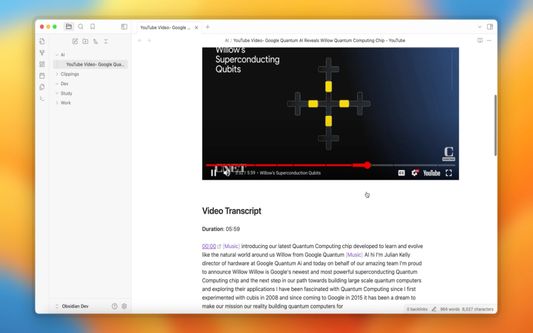
• YouTube Transcript Capture - Automatically save video transcripts to Obsidian with timestamp-based navigation
• Selective Saving - Save an entire page or just the content you select
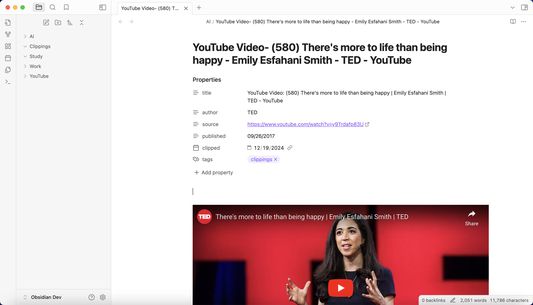
• Metadata Extraction - Automatically captures title, author, publish date, and source URL
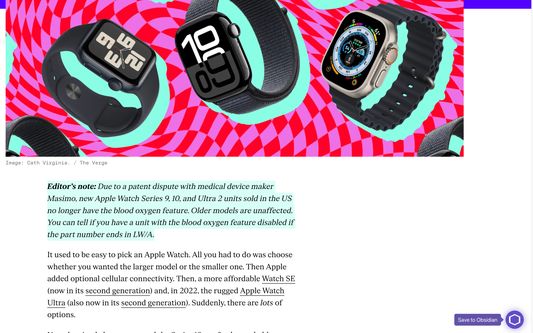
• Smart Floating Button - Appears only when needed and reveals the save menu on hover
• Quick Save Vaults - Customize quick-save vault options for faster saving to your preferred Obsidian vaults
• Quick Tags - Add tags instantly before saving for better organization
• Custom Properties - Add and manage custom Obsidian properties in Settings for more structured note organization
• Multi-language Support - Supports multiple interface languages and automatically matches your preferred language
How it works:
Key Features:
• Smart Content Extraction - Automatically removes ads, clutter, and irrelevant page elements
• Clean Markdown Conversion - Preserves headings, lists, tables, links, code blocks, and LaTeX equations
• Social Post Saving - Save posts from X (Twitter) and Reddit to Obsidian in a clean, readable format
• YouTube Support - Embed YouTube videos with one click
• YouTube Transcript Capture - Automatically save video transcripts to Obsidian with timestamp-based navigation
• Selective Saving - Save an entire page or just the content you select
• Metadata Extraction - Automatically captures title, author, publish date, and source URL
• Smart Floating Button - Appears only when needed and reveals the save menu on hover
• Quick Save Vaults - Customize quick-save vault options for faster saving to your preferred Obsidian vaults
• Quick Tags - Add tags instantly before saving for better organization
• Custom Properties - Add and manage custom Obsidian properties in Settings for more structured note organization
• Multi-language Support - Supports multiple interface languages and automatically matches your preferred language
How it works:
- Move your mouse to the right edge of the browser
- The floating button appears automatically
- Hover over the button to open the save menu
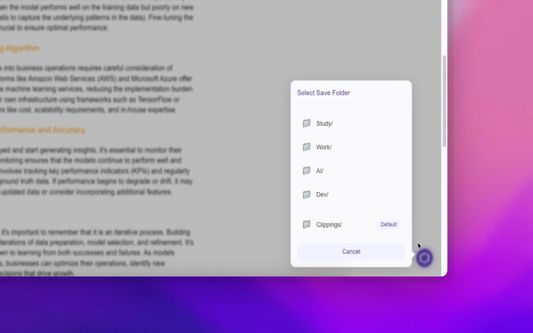
- Choose a vault and destination folder, add tags if needed, and save directly to Obsidian
Vurdert 4,3 av 3 meldarar
Løyve og data
Påkravde løyve:
- Inndata til utklippstavla
- Få tilgang til nettlesarfaner
- Tilgang tiil dataa dine frå alle nettsider
Meir informasjon
- Lenker for tillegg
- Versjon
- 1.3.7
- Storleik
- 177,93 KB
- Sist oppdatert
- ein månad sidan (8. mars 2026)
- Liknande kategoriar
- Versjonshistorikk
- Legg til i samling