Tab Ahead av Jan Raasch
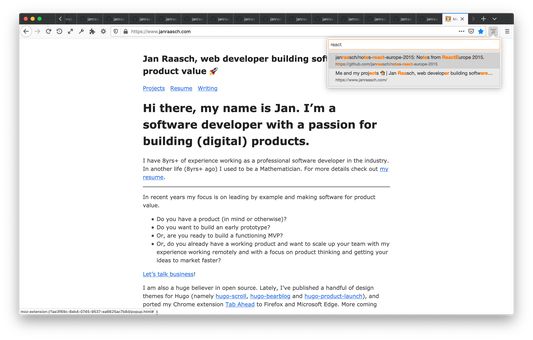
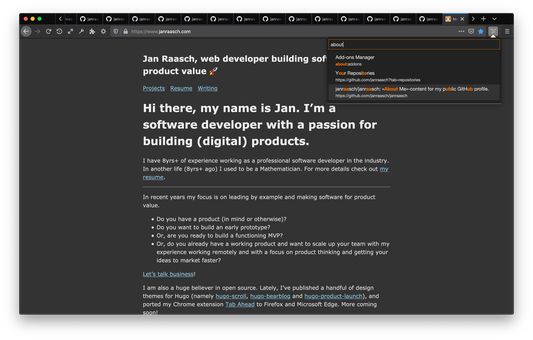
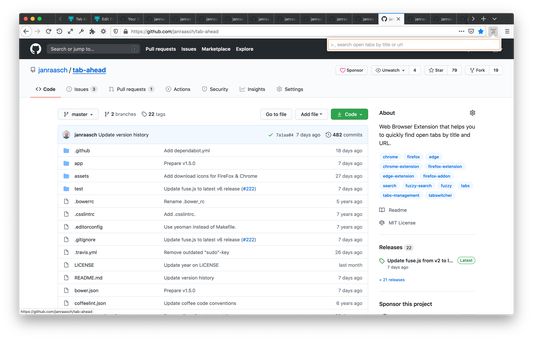
Tab Ahead lets you type ahead to quickly find open tabs by title and URL using a fuzzy search (approximate string matching) algorithm.
11 brukarar11 brukarar
Metadata for utvidingar
Skjermbilde
Om denne utvidinga
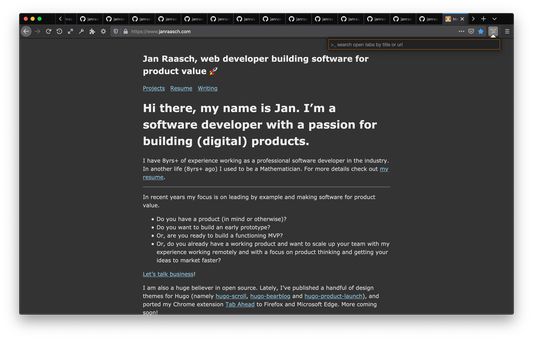
This extension helps you to quickly navigate through (the mess of) your currently open tabs by typing parts of their respective page titles or urls.
Aspiring to bring Sublime Text's »Goto Anything...« to your Browser Tabs.
Keyboard Shortcut:
Alt+T
Options:
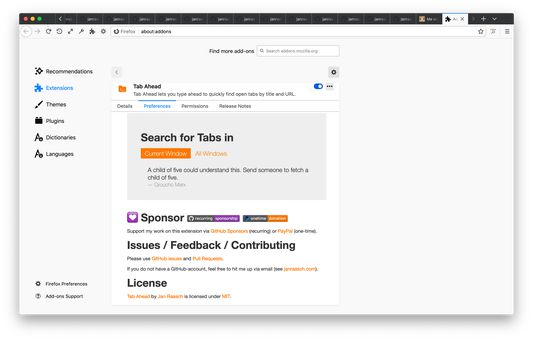
You can choose to search through the current window or through all windows. The default setting is searching through the current window.
Privacy:
We do not find you to be all that interesting. Your questionable browsing history should remain between you and the NSA. Tab Ahead functions without any outbound communication. Period.
Keyboard/Hacker-friendly:
You can leave your mice at home.
Lightweight:
No background processes.
Discovered a bug?
Create an issue on GitHub.
https://github.com/janraasch/tab-ahead/issues
Aspiring to bring Sublime Text's »Goto Anything...« to your Browser Tabs.
Keyboard Shortcut:
Alt+T
Options:
You can choose to search through the current window or through all windows. The default setting is searching through the current window.
Privacy:
We do not find you to be all that interesting. Your questionable browsing history should remain between you and the NSA. Tab Ahead functions without any outbound communication. Period.
Keyboard/Hacker-friendly:
You can leave your mice at home.
Lightweight:
No background processes.
Discovered a bug?
Create an issue on GitHub.
https://github.com/janraasch/tab-ahead/issues
Vurdert 0 av 0 meldarar
Løyve og data
Meir informasjon
- Lenker for tillegg
- Versjon
- 1.5.0
- Storleik
- 62,02 KB
- Sist oppdatert
- 5 år sidan (5. okt. 2020)
- Liknande kategoriar
- Lisens
- MIT-lisens
- Versjonshistorikk
- Legg til i samling
Utviklaren av denne utvidinga spør om du kan hjelpe til med å støtte den vidare utviklinga med eit lite pengebidrag.