YouTube Geoblock Checker av Nicu Calcea
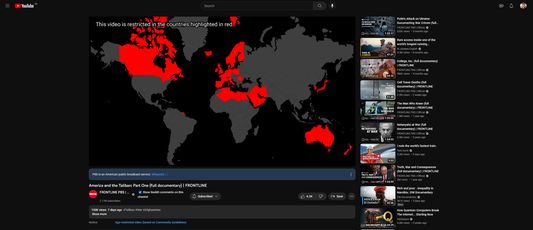
Shows where a YouTube video is restricted so you can use a VPN to avoid the restriction.
19 brukarar19 brukarar
Metadata for utvidingar
Skjermbilde
Om denne utvidinga
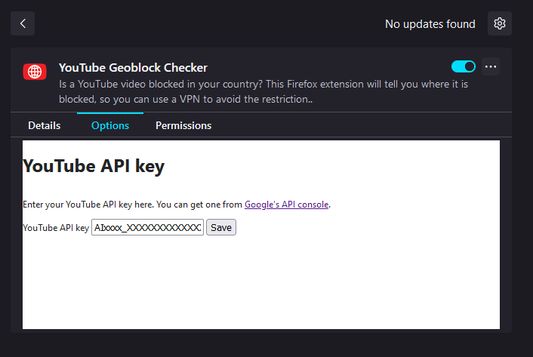
Once installed, open the Extensions setting (`about:addons`) in your browser and find the add-on. Click on the three dots (`⋮`) and the select `Options`.
At this stage, you'll need a YouTube Data API key. Go to Google's developer portal for instructions on how to get one.
Once you've got a key, paste it into the add-on settings and click save.
At this stage, you'll need a YouTube Data API key. Go to Google's developer portal for instructions on how to get one.
Once you've got a key, paste it into the add-on settings and click save.
Vurdert 5 av 1 meldar
Løyve og data
Meir informasjon
- Lenker for tillegg
- Versjon
- 1.2
- Storleik
- 2,56 MB
- Sist oppdatert
- 2 månader sidan (5. nov. 2025)
- Liknande kategoriar
- Versjonshistorikk
- Legg til i samling