
DropFromClipboard av ItsZariep
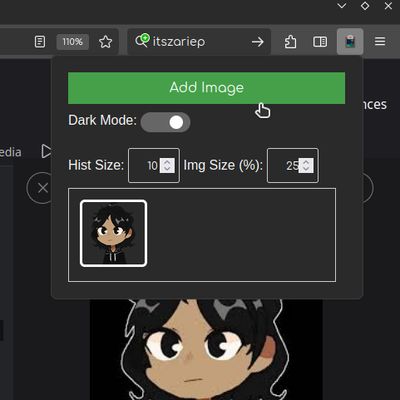
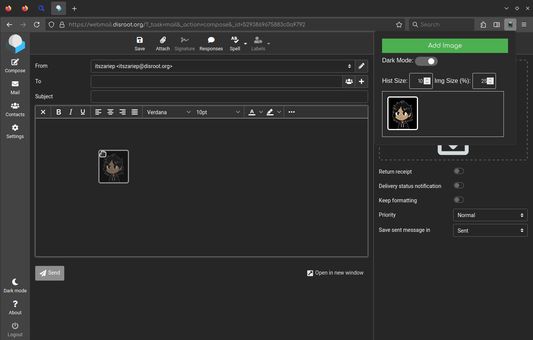
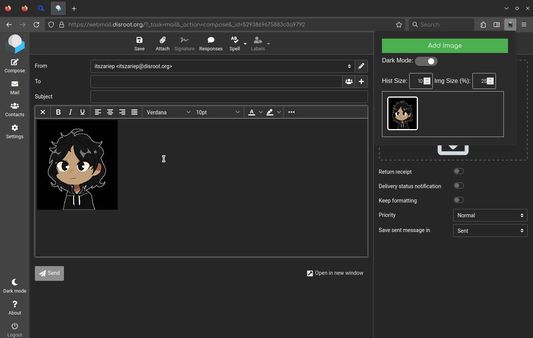
Display images from the clipboard to drop into a webpage.
4 användare4 användare
Metadata för tillägg
Skärmbilder
Om detta tillägg
Display images from the clipboard to drop into a webpage.
# Features
- Image history
- Save up to 64 images in history.
- Change view zoom
- Useful if you have many images.
- Change history size
- If you don't need a large history, you can limit it or turn it off.
- Persistent data
- You can close the browser, and when you reopen it, your images will still be there.
- Dark/Light themes
- ---
> [!NOTE]
> This extensions may require external setup: Open about:config and set
> [!NOTE]
> On some webpages, it is not possible to drag and drop images from this extension due to website internal logic. Unfortunately, there isn't much I can do about this. However, since the images are visible in the UI, you can right-click and quickly download the copied image, which is faster than going back and searching for the image source.
# Features
- Image history
- Save up to 64 images in history.
- Change view zoom
- Useful if you have many images.
- Change history size
- If you don't need a large history, you can limit it or turn it off.
- Persistent data
- You can close the browser, and when you reopen it, your images will still be there.
- Dark/Light themes
- ---
> [!NOTE]
> This extensions may require external setup: Open about:config and set
dom.events.dataTransfer.imageAsFile.enabled as true> [!NOTE]
> On some webpages, it is not possible to drag and drop images from this extension due to website internal logic. Unfortunately, there isn't much I can do about this. However, since the images are visible in the UI, you can right-click and quickly download the copied image, which is faster than going back and searching for the image source.
Betyg 0 av 0 recensenter
Behörigheter och data
Mer information
- Länkar för tillägg
- Version
- 1.13
- Storlek
- 22,67 kB
- Senast uppdaterad
- för 2 månader sedan (16 okt 2025)
- Relaterade kategorier
- Versionshistorik
- Lägg till i samling
- Open
about:config- Set
dom.events.dataTransfer.imageAsFile.enabledtotrue