
MindYourPass bởi MindYourPass on-the-fly password generator
MindYourPass makes authentication safe and easy.
40 người dùng40 người dùng
Siêu dữ liệu mở rộng
Ảnh chụp màn hình
Về tiện ích mở rộng này
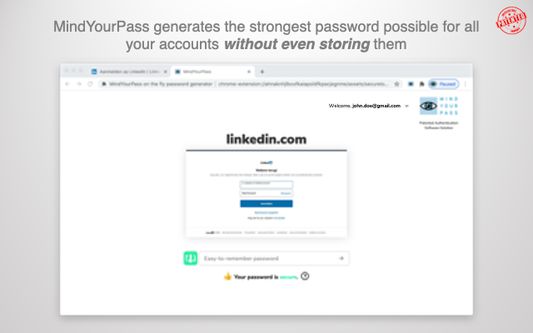
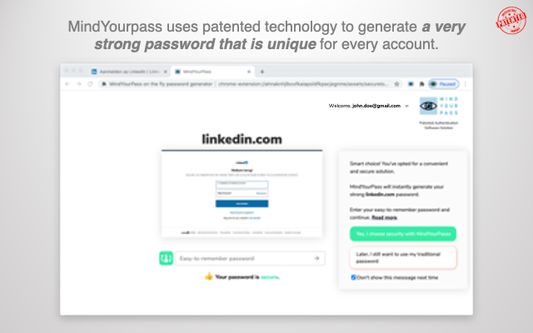
The MindYourPass on-the-fly password generator is a patented password generator, that generates unique, strong passwords, based on an easy to remember password. These passwords are always regenerated when they are needed, thus eliminating the need to store the password, so there is no password database to be breached or leaked. You can use the same easy-to-remember password for all your accounts, eliminating the need for you to create and remember distinct passwords for all your accounts.
MindYourPass is designed according to the "privacy by design" and "security by design" concepts. As a result, MindYourPass does not store personally identifiable information: it does not store your passwords but also your email address is not stored.
After registration with your email address and a "master" password, you can start using the MindYourPass on-the-fly password generator (also for registration, your password and your email address are not stored). Each time you sign into a site, the password generator is used to generate the password for your account. This involves the following steps:
1) On the sign in form of the site you enter your user name
2) When you navigate to the password field, the MindYourPass password generator opens a dedicated tab
3) If you haven't already done so, you sign into MindYourPass with your email address and your "master" password for MindYourPass
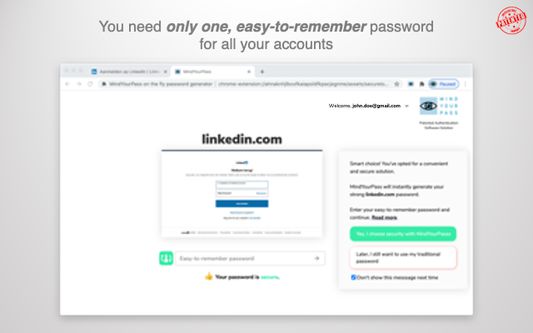
4) Then, on the main screen of MindYourPass, you enter your single "easy-to-remember" password and press Enter. This will instruct the generator to generate a password for you
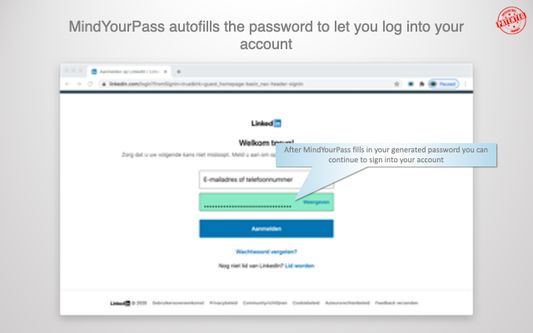
5) MindYourPass autofills the generated password in the password field of the sign in form of the site
6) The user presses enter to sign into his account
In order to start using an on-the-fly password on one of your existing accounts, you have to reset the corresponding password once and replace it with an on-the-fly generated password.
MindYourPass is designed according to the "privacy by design" and "security by design" concepts. As a result, MindYourPass does not store personally identifiable information: it does not store your passwords but also your email address is not stored.
After registration with your email address and a "master" password, you can start using the MindYourPass on-the-fly password generator (also for registration, your password and your email address are not stored). Each time you sign into a site, the password generator is used to generate the password for your account. This involves the following steps:
1) On the sign in form of the site you enter your user name
2) When you navigate to the password field, the MindYourPass password generator opens a dedicated tab
3) If you haven't already done so, you sign into MindYourPass with your email address and your "master" password for MindYourPass
4) Then, on the main screen of MindYourPass, you enter your single "easy-to-remember" password and press Enter. This will instruct the generator to generate a password for you
5) MindYourPass autofills the generated password in the password field of the sign in form of the site
6) The user presses enter to sign into his account
In order to start using an on-the-fly password on one of your existing accounts, you have to reset the corresponding password once and replace it with an on-the-fly generated password.
Được xếp hạng 0 (bởi 1 người dùng)
Quyền hạn và dữ liệu
Quyền hạn bắt buộc:
- Đọc và chỉnh sửa các cài đặt riêng tư
- Truy cập các thẻ trên trình duyệt
- Truy cập hoạt động của trình duyệt trong khi điều hướng
- Truy cập dữ liệu của bạn trên mọi trang web
Thêm thông tin
- Liên kết tiện ích
- Phiên bản
- 5.16.1
- Kích cỡ
- 5,36 MB
- Cập nhật gần nhất
- 12 ngày trước (5 Thg 01 2026)
- Thể loại có liên quan
- Giấy phép
- Mọi Quyền Được Bảo Lưu
- Chính sách riêng tư
- Đọc chính sách riêng tư của tiện ích này
- Giấy phép người dùng cuối
- Đọc thỏa thuận cấp phép cho tiện ích này
- Lịch sử các phiên bản
- Thêm vào bộ sưu tập