
ColorBeta 作者: RvD
CSS Gradient Editor (Linear, Radial and Conic).
1 位使用者1 位使用者
擴充套件後設資料
畫面擷圖
關於此擴充套件
Easily create a simple color gradient and export it in CSS format.
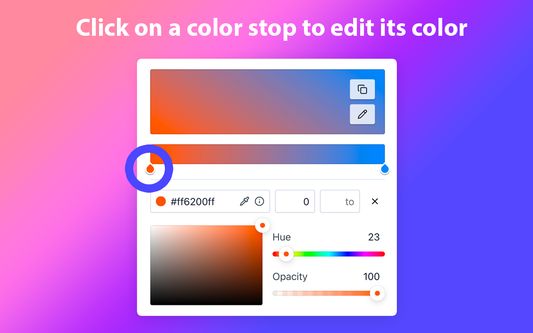
1) Select a color stop to modify its hue, saturation, luminosity or opacity. You can also directly type its hexadecimal code or use the "EyeDropper" tool.
2) Drag the color stop to modify its position (you can also enter a numerical value directly).
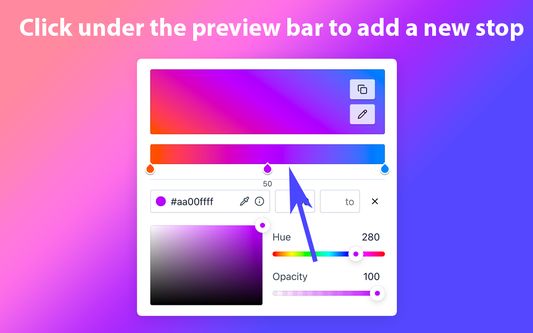
3) Create a color stop by clicking below the preview bar. Remove it by dragging it below the preview bar until it disappears.
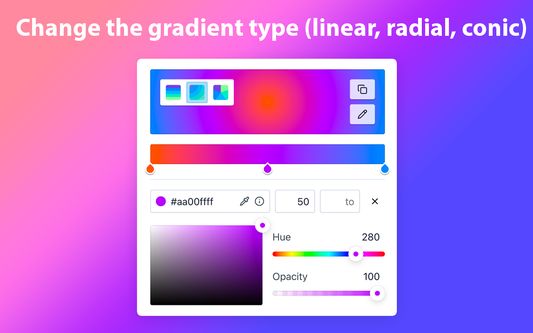
4) Hover over the gradient to display options allowing you to choose the gradient type (linear, radial or conic) and its orientation (only for linear and conic gradients).
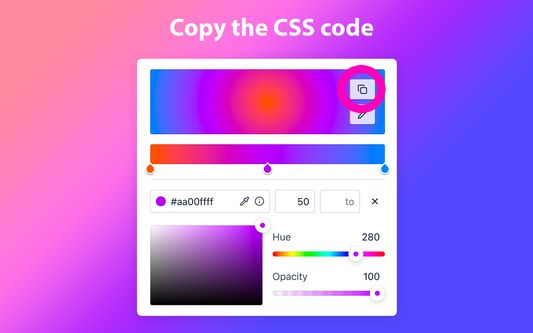
5) Click on the "Copy" button to copy the CSS code.
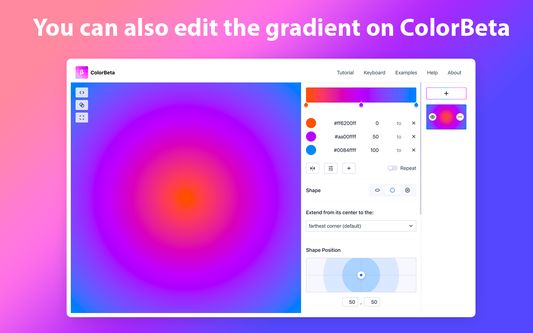
6) By clicking on the "Edit" (pencil) button, you can also directly edit your gradient on colorbeta.com, giving you access to advanced options (such as gradient overlay, gradient repeat, radial gradient modification, etc.).
1) Select a color stop to modify its hue, saturation, luminosity or opacity. You can also directly type its hexadecimal code or use the "EyeDropper" tool.
2) Drag the color stop to modify its position (you can also enter a numerical value directly).
3) Create a color stop by clicking below the preview bar. Remove it by dragging it below the preview bar until it disappears.
4) Hover over the gradient to display options allowing you to choose the gradient type (linear, radial or conic) and its orientation (only for linear and conic gradients).
5) Click on the "Copy" button to copy the CSS code.
6) By clicking on the "Edit" (pencil) button, you can also directly edit your gradient on colorbeta.com, giving you access to advanced options (such as gradient overlay, gradient repeat, radial gradient modification, etc.).
由 1 位評論者給出 0 分
更多資訊