Flickr Photos In New Tab 作者: mendhak
Replaces Firefox New Tab, with photos from a Flickr album of your choice, or Flickr Explore, or by text search
26 位使用者26 位使用者
擴充套件後設資料
畫面擷圖
關於此擴充套件
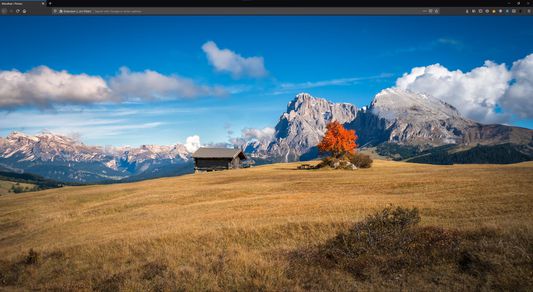
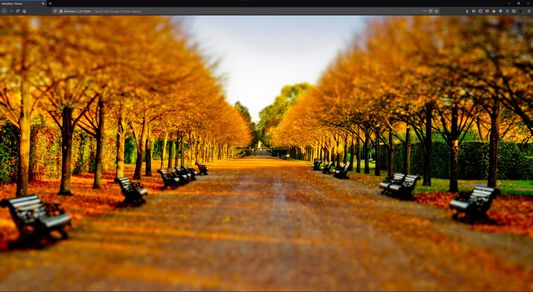
Replaces the New Tab in Firefox, and displays an image from a Flickr album of your choice, or Flickr Explore or a text search.
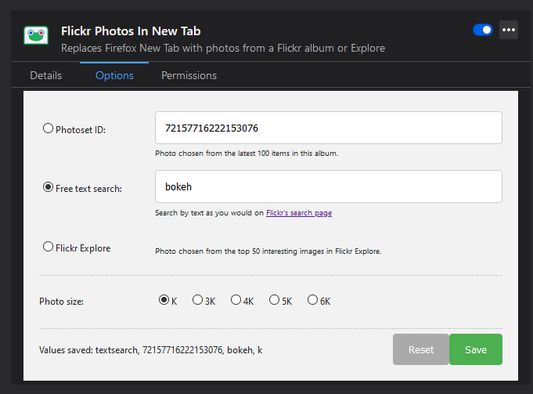
You can change the Photoset ID, text search, Flickr Explore, and pick a photo size in Add-ons > Flickr Photos In New Tab > Preferences.
When choosing photos for your album, try to make sure they are in landscape orientation; portrait photos will get filtered out. Also, ensure that the photos have at least a Large 2048 size.
It defaults to my Flickr album, you can leave it at default it if you like it!
You can change the Photoset ID, text search, Flickr Explore, and pick a photo size in Add-ons > Flickr Photos In New Tab > Preferences.
When choosing photos for your album, try to make sure they are in landscape orientation; portrait photos will get filtered out. Also, ensure that the photos have at least a Large 2048 size.
It defaults to my Flickr album, you can leave it at default it if you like it!
由 1 位評論者給出 5 分
更多資訊