
Tolgee Tools 作者: Tolgee
Translate your web applications more effectively with Tolgee plugin!
79 位使用者79 位使用者
擴充套件後設資料
畫面擷圖
關於此擴充套件
Tolgee Tools Firefox plugin is integral part of Tolgee ecosystem.
About this extension:
Translating without context means guessing. With Tolgee Tools, you click on any text directly on your live web app and edit the translation right there. So you can see exactly how it fits before it goes live. No more broken layouts or truncated buttons after a release.
It works with any web app using the Tolgee SDK.
How to use it:
1. Install the Tolgee Tools add-on
2. Go to the production version of your website
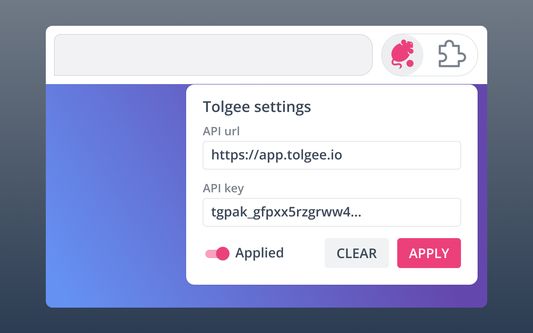
3. Click on the Tolgee Tools extension icon and enter your API key
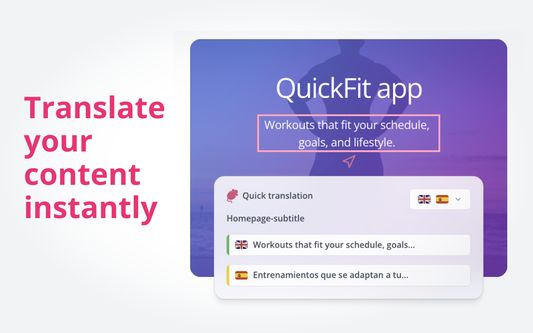
4. Hold Alt (Option on Mac) and click on any text on the page. The text will highlight and a Quick Translation dialog will open.
5. Edit and save directly there.
Features:
- In-context translation on production. See exactly how new translations fit your layout before publishing.
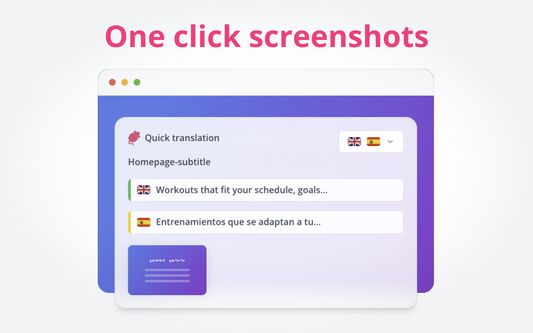
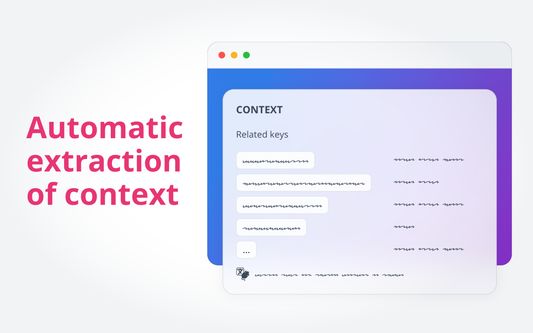
- One-click screenshot capture for localization context.
**Want to learn more? **
https://docs.tolgee.io/js-sdk/in-context
About this extension:
Translating without context means guessing. With Tolgee Tools, you click on any text directly on your live web app and edit the translation right there. So you can see exactly how it fits before it goes live. No more broken layouts or truncated buttons after a release.
It works with any web app using the Tolgee SDK.
How to use it:
1. Install the Tolgee Tools add-on
2. Go to the production version of your website
3. Click on the Tolgee Tools extension icon and enter your API key
4. Hold Alt (Option on Mac) and click on any text on the page. The text will highlight and a Quick Translation dialog will open.
5. Edit and save directly there.
Features:
- In-context translation on production. See exactly how new translations fit your layout before publishing.
- One-click screenshot capture for localization context.
**Want to learn more? **
https://docs.tolgee.io/js-sdk/in-context
由 1 位評論者給出 5 分
權限與資料
更多資訊