
UPSC search
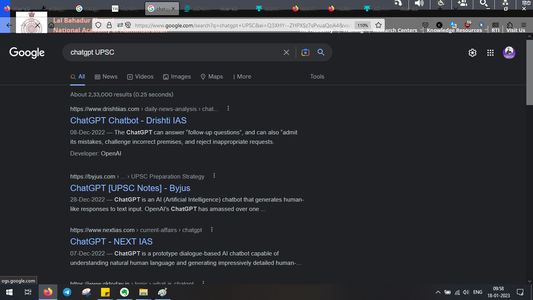
Google Search any topic in context of UPSC exam- Step 1. Select the text Step 2. press key 'g'/'G' from keyboard or scroll/wheel click Google search results open in new tab
1 位使用者
擴充套件後設資料
畫面擷圖


Google Search any topic in context of UPSC exam- Step 1. Select the text Step 2. press key 'g'/'G' from keyboard or scroll/wheel click Google search results open in new tab